
Description
Stop Pressing the Auto Stop Button Every Time You Drive
The Auto Start Stop Eliminator for the Chevrolet Silverado 1500 is designed for drivers who want the vehicle to remember their preferred auto start-stop setting.
Once installed, the module works with the factory control system and automatically restores the driver’s previous selection after the vehicle is restarted.
There is no need to press the Auto Stop OFF button at the beginning of every trip.
What This Video Demonstrates
In this product demonstration, we show:
- The factory auto start-stop behavior before installation
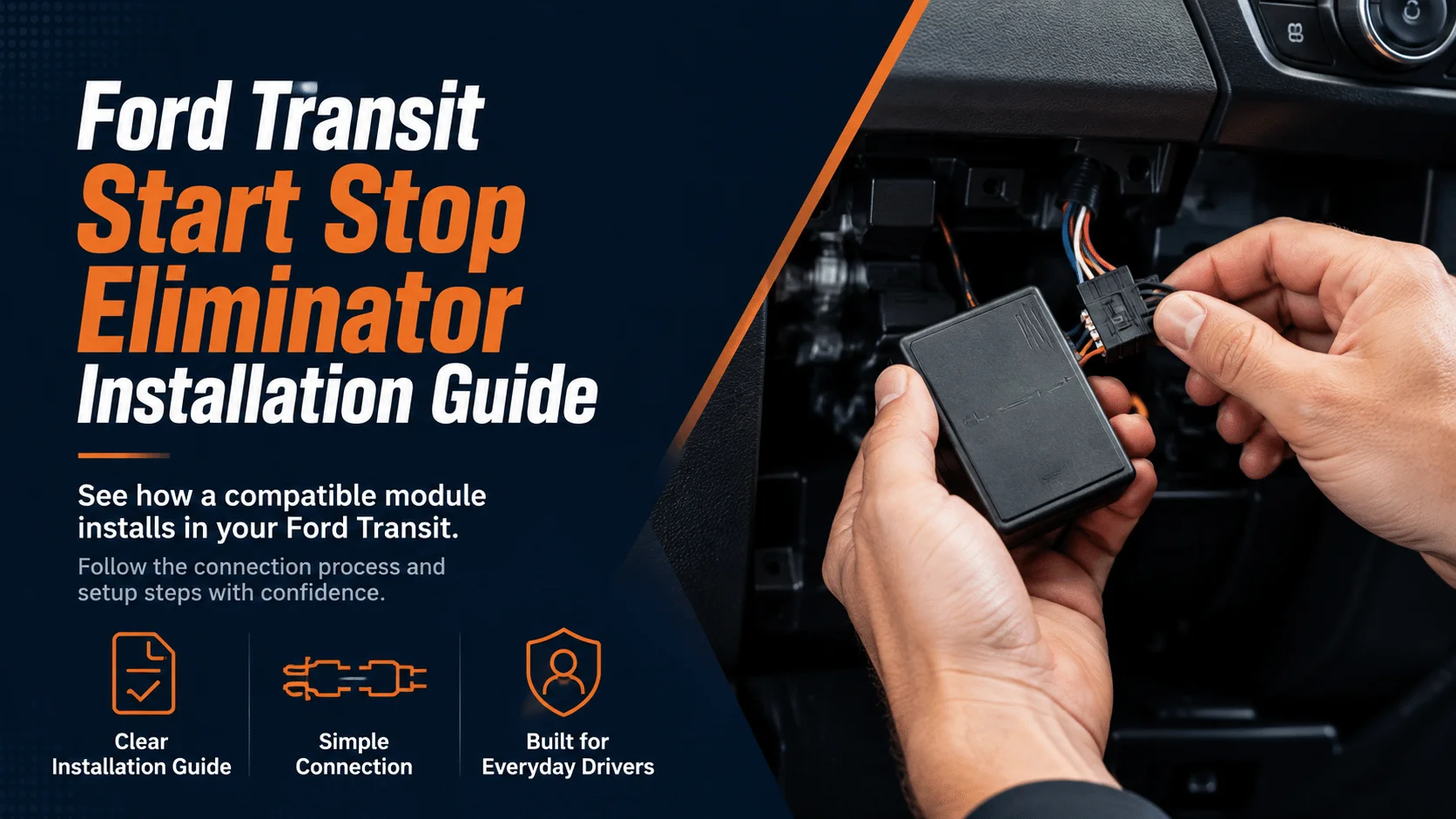
- How to access the factory switch connector
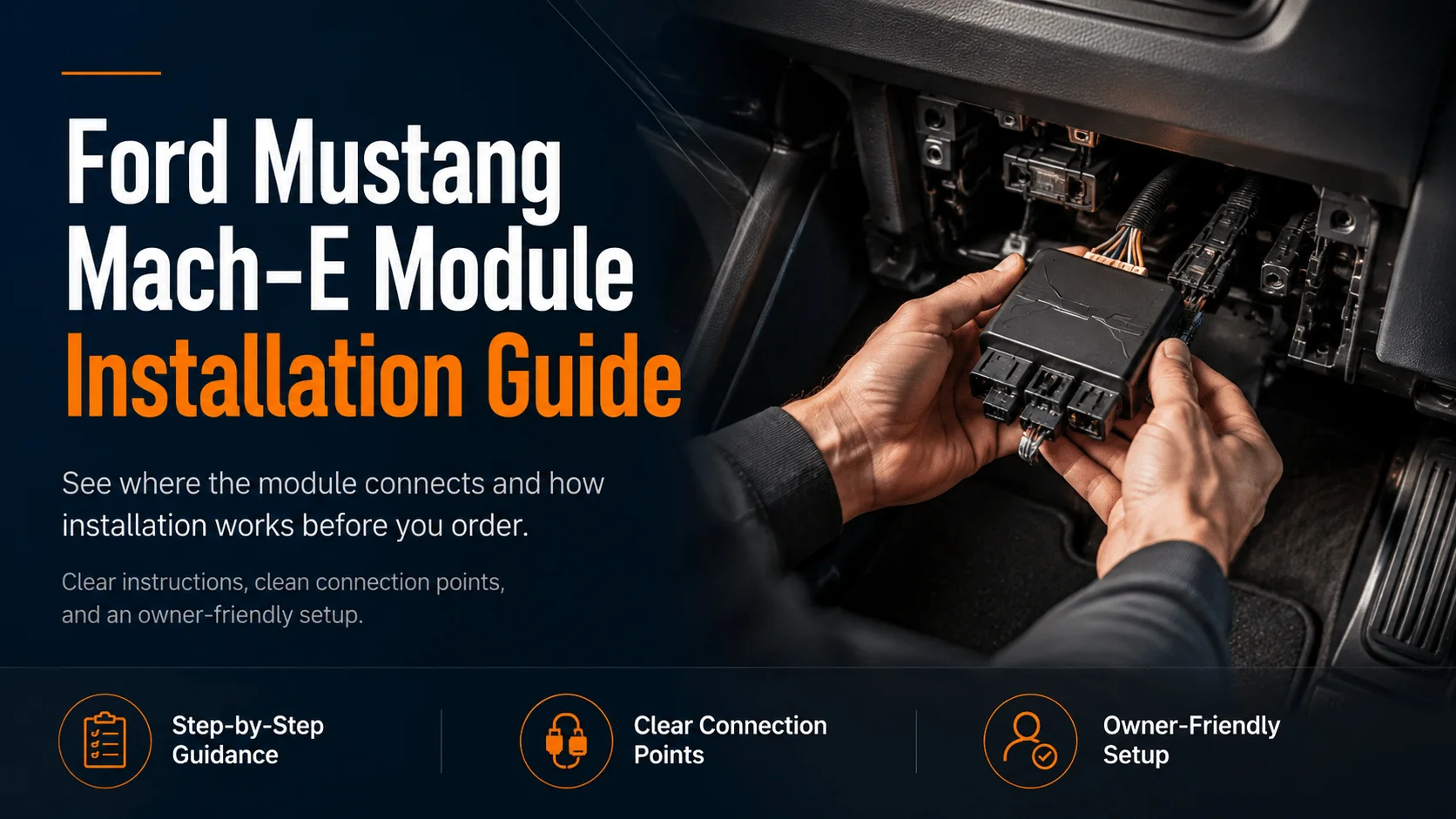
- How the plug-and-play module connects to the original harness
- How to reinstall the dashboard trim
- The final startup and function test
Installation Process
Step 1: Prepare the vehicle
Turn off the ignition and make sure the vehicle is parked securely.
Step 2: Remove the required trim panel
Use a suitable trim removal tool to access the factory auto start-stop switch connection.
Step 3: Connect the module
Disconnect the original connector and install the module between the factory harness and switch assembly.
Step 4: Reassemble the interior
Secure the module, reinstall the removed panels and check that all clips are properly seated.
Step 5: Test the system
Start the truck, select the preferred auto start-stop setting and restart the vehicle to confirm that the setting is restored.
Product Highlights
- Vehicle-specific connector design
- Plug-and-play installation
- No factory wire cutting
- No permanent software changes
- Reversible installation
- Retains normal operation of the factory button
Suggested Video Title
Chevrolet Silverado 1500 Auto Start Stop Eliminator Installation and Function Test
Suggested CTA
Take control of your daily driving experience. Check your vehicle year, trim and connector configuration before ordering.




Reviews
There are no reviews yet.